What You Need to Prepare Before Hiring Someone to Build Your Website
A preparation checklist for business owners: objectives, audience, content, assets, access, decision-making, and the details that make a website project move faster.
Written by
Mahmoud Fawzy
Independent full-stack developer and automation specialist.
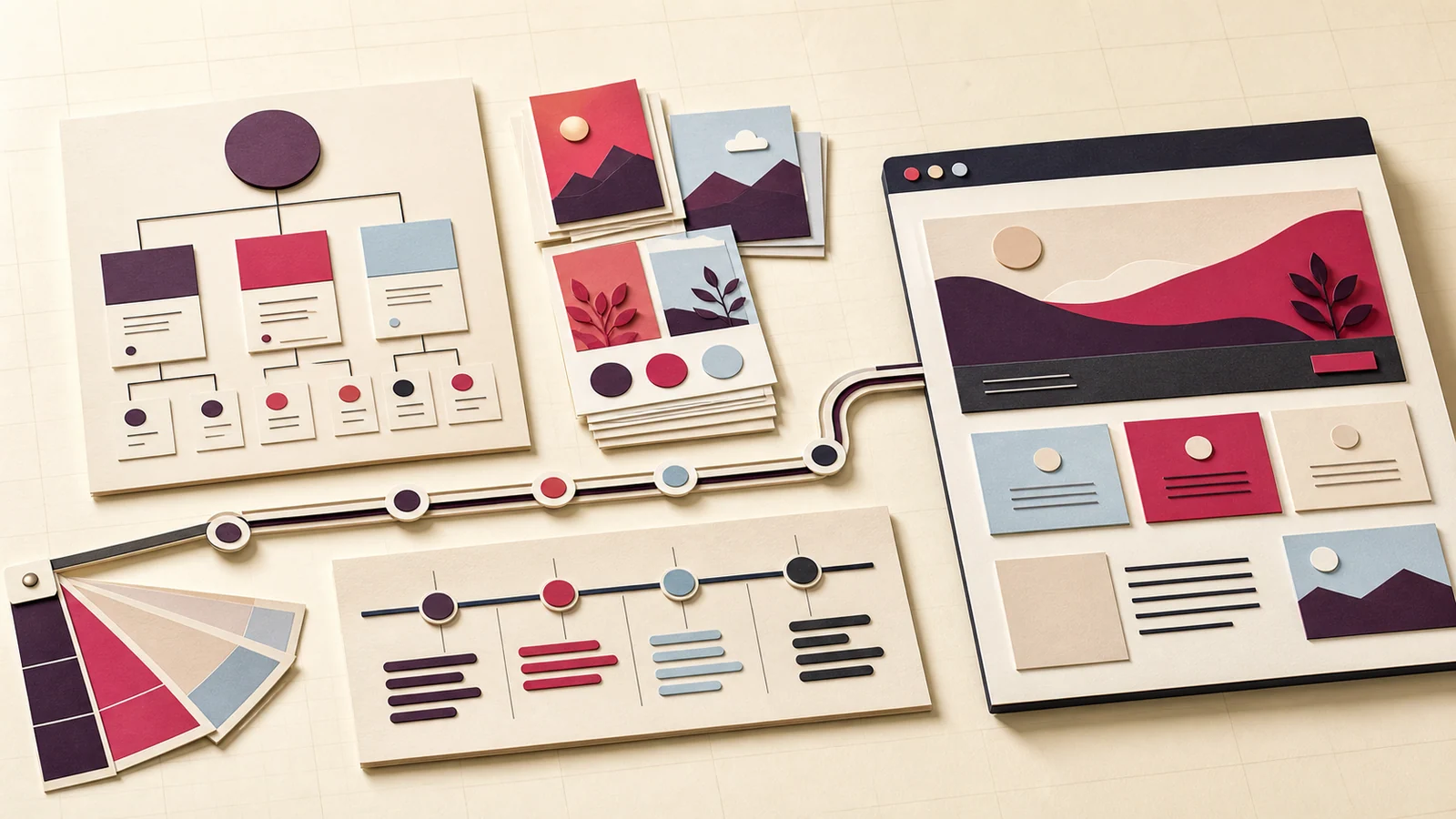
A fast website project does not begin with a blank design file. It begins with decisions.
You do not need to arrive with a complete brand strategy or perfectly polished copy. You do need enough information for the developer to understand the business, define the pages, identify dependencies, and recognise what “finished” means.
Preparing the following material before the start date makes estimates more accurate and reduces avoidable delays.
1. Define the business outcome
Start with the change the website should create.
“We need a modern website” describes appearance, not an outcome. A more useful statement is:
- We need qualified prospects to request an estimate.
- We need people to understand a new consulting offer.
- We need one page for a campaign launching next month.
- We need a credible web presence before contacting partners.
- We need to replace a site that is difficult to use on mobile.
Choose one primary outcome. The site can support secondary actions, but it should not treat every possible action as equally important.
2. Identify the audience and their main hesitation
Describe the people you want to reach in plain language:
- Who are they?
- What situation are they in?
- What are they trying to decide?
- What have they probably tried already?
- What concern may stop them from contacting you?
- What information would reduce that concern?
For example, a consultant’s visitor may not need a detailed history of the business. They may need to know whether the consultant works with companies their size, what the engagement covers, and how the first conversation works.
The strongest page structures answer real decision questions in a sensible order.
3. List the services or offers accurately
For each offer, write down:
- its name;
- who it is for;
- the problem it addresses;
- what is included;
- what is not included;
- how the process works;
- the expected next action;
- any price or starting price you are prepared to publish.
Do not worry about polished marketing language yet. Accurate raw information is more valuable than vague, enthusiastic copy.
If the service still changes every time you explain it, the website project may expose a business-definition problem. Resolve that before asking the developer to make the page look final.
4. Propose a page list
You do not need to know the final information architecture, but a draft list helps define the size of the project.
A small business website might begin with:
- Home
- About
- Services
- One detailed service page
- Contact
Other projects may need pricing, process, frequently asked questions, legal pages, locations, or several service pages.
For every proposed page, answer:
What specific job does this page perform that another page cannot?
If there is no clear answer, the information may belong on an existing page.
5. Gather real content
Content normally includes more than paragraphs. Prepare:
- official business name and contact details;
- service descriptions;
- accurate pricing or pricing policy;
- process steps;
- frequently asked questions;
- founder or team information;
- approved calls to action;
- terms, privacy, and any regulated statements;
- real testimonials only when you have permission to use them;
- real project examples only when the claims can be supported.
Mark each item as:
- ready;
- partly ready;
- needs refinement;
- not started.
This gives the developer a realistic view of what can begin.
Basic copy refinement is different from full copywriting. Refinement improves structure, clarity, and consistency in material you provide. Full copywriting may require interviews, research, positioning work, or approval from several people. Confirm which service is included.
6. Organise visual assets and usage rights
Collect the highest-quality versions of:
- logo files;
- brand colours and typography rules;
- product or service images;
- founder portraits;
- diagrams or screenshots;
- partner logos you are authorised to display;
- existing design guidelines.
Whenever possible, provide original files rather than images copied from a previous website.
Also confirm that you have the right to use each asset. Images found through search, customer logos, fonts, and illustrations may have licensing or permission requirements. The developer cannot safely infer those rights from the file alone.
If you have no brand system, say so. The project can then include a limited visual direction or identify whether proper brand work is needed first.
7. Specify the required functionality
Use concrete actions rather than broad labels.
Instead of “advanced contact form,” describe:
- the fields;
- which are required;
- who receives the message;
- whether the sender receives confirmation;
- where the record should be stored;
- whether a spreadsheet or CRM needs an update;
- what should happen when delivery fails.
For analytics, identify the events that matter. A useful list might include:
- project-estimate submitted;
- phone number clicked;
- pricing viewed;
- scheduling link opened;
- file downloaded.
For integrations, identify the exact services and confirm that the required accounts or APIs exist.
8. Prepare account access without sending secrets casually
The developer may eventually need access to:
- the domain registrar;
- DNS;
- hosting;
- analytics;
- search tools;
- email delivery;
- a CMS;
- form or CRM services;
- automation platforms;
- source control.
Do not paste passwords or private keys into an ordinary enquiry form.
Use separate accounts, invitations, temporary credentials, or a password manager when possible. Grant the minimum permission needed. Record who owns each account and remove access that is no longer required after the project.
9. Choose one decision-maker
Fast projects need clear approval.
When several people give separate feedback, the developer may receive contradictory instructions. Choose one person to:
- gather internal comments;
- resolve conflicts;
- return consolidated feedback;
- approve scope changes;
- approve the final version.
This does not exclude stakeholders. It gives their input one coherent route into the project.
10. Make revision feedback actionable
Good feedback connects a requested change to a reason.
Compare:
- “I don’t like this section.”
- “The section explains the process before visitors understand what is included. Move the inclusion list earlier.”
The second comment is easier to evaluate and may reveal a better solution than the exact change first imagined.
Group feedback into the included revision round rather than sending isolated comments throughout the day. Label each comment by page and section. Distinguish corrections from new requirements.
11. Set a real timing constraint
A desired launch date is useful only with context.
Explain whether the date is connected to:
- an event;
- a campaign;
- a sales conversation;
- a product announcement;
- an expiring contract;
- an internal preference.
Then work backward. Content, brand assets, account access, review time, payment, DNS changes, and final checks all need space.
An advertised “first version in two days” does not mean a project can start while essential content is still unknown. The clock should begin after the agreed prerequisites are ready.
12. Define the budget honestly
A budget range helps the developer recommend an appropriate scope.
It is acceptable to be unsure. It is less useful to request a ten-page site, custom integrations, extensive copywriting, and a complex content system while withholding every indication of budget.
The developer should respond honestly too: explain what fits, what does not, and which feature should be deferred if the budget is fixed.
A one-page preparation brief
Before requesting an estimate, prepare a document containing:
- the primary business outcome;
- the target audience;
- the offers or services;
- the proposed page list;
- content readiness;
- available brand assets;
- required features and integrations;
- desired launch date and reason;
- budget range;
- the person responsible for approval.
This brief does not need to be beautiful. It needs to be accurate.
If you have most of these answers, you are ready to request a project estimate. The form will organise the details and preserve the boundaries that keep a fast project realistic.
Discuss your project
Need help with your website or automation?
Tell me what you are trying to build, and I’ll reply with the clearest next step.
Contact Mahmoud